Great Design That Actually Works!
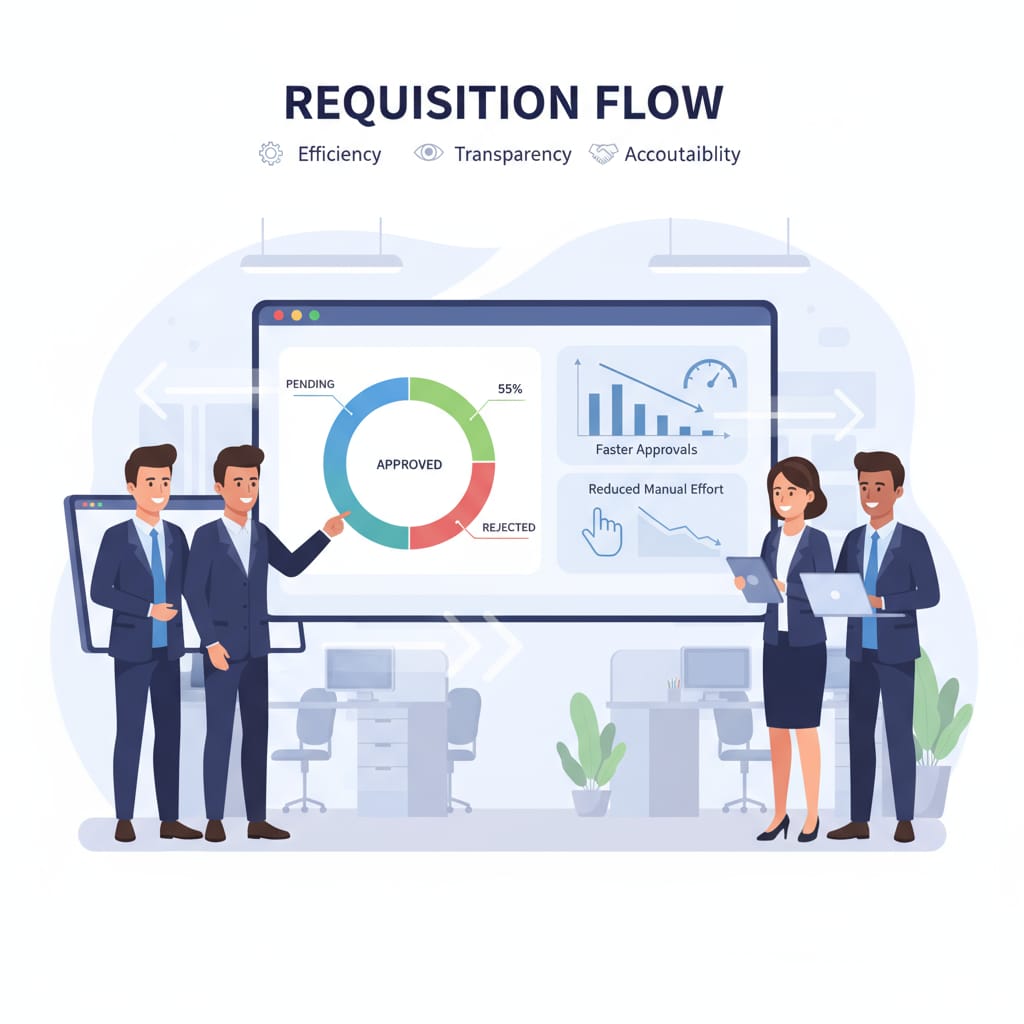
Managing purchase requisitions manually was time-consuming, error-prone, and lacked visibility. Employees submitted requests in different formats, approvals were delayed, and follow-ups created confusion. Without a centralized system, it was difficult to track where a requisition stood in the approval chain. To solve this, we implemented an Excel VBA-powered requisition system integrated with a LAN-based folder workflow, creating a simple, transparent, and efficient approval process.
Overview:
- Standardized purchase requisition forms using Excel VBA
- LAN folder workflow representing approval stages
- Automated file movement and real-time tracking
- Dashboard for live requisition status and summary reports
Challenge:
- Inconsistent submissions with missing information
- Delays in approvals due to unclear tracking
- Manual follow-ups consumed significant time
- Lack of visibility into requisition status
- Weak audit trails for approvals and rejections

Solution And Results:
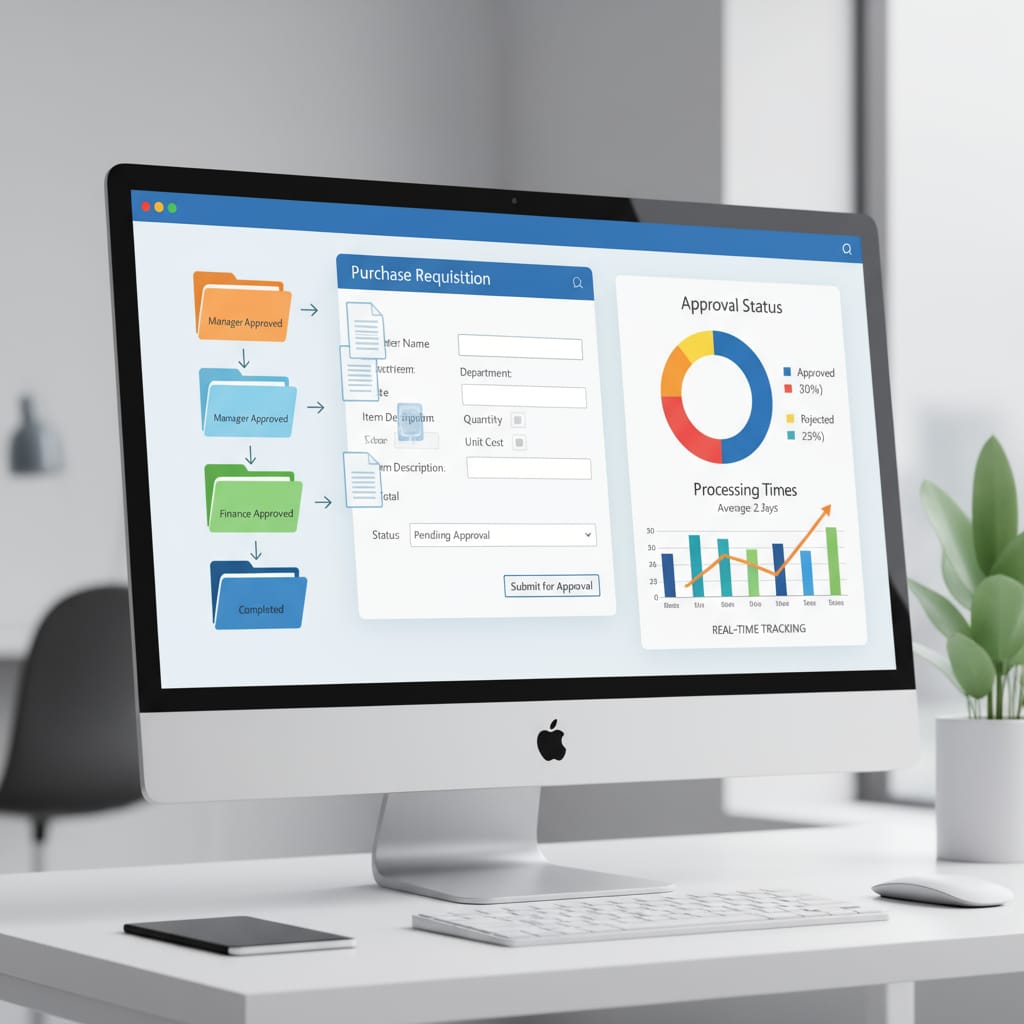
We designed a system combining VBA automation with LAN folder workflows to streamline requisition approvals.
1. Standardized Purchase Requisition Form
- VBA-enabled Excel form ensured consistent, complete submissions
- Dynamic fields allowed employees to easily enter requisition details
2. Automated File Movement
- Requisition files moved automatically based on approvals
- Workflow example: Pending → Manager Approved → Finance Approved → Completed
3. LAN Folder-Based Workflow
- Shared folders represented each stage of approval
- Employees and managers could see current status simply by checking file location
4. Real-Time Tracking
- VBA macros monitored file locations and updated a live dashboard
- Summarized the number of requisitions at each stage
5. Approval & Rejection Reports
- Automated reports provided visibility into approved, rejected, and pending requisitions
Key Deliverables
- Automated purchase requisition form with dynamic fields
- LAN folder workflow system representing approval stages
- Requisition tracker dashboard with live status updates
- Summary reports for approvals, rejections, and pending requests
The Impact
- 50% reduction in manual follow-ups, saving staff and manager time
- Transparent approval tracking, making status visible to all
- Faster processing through a simplified workflow
- Better audit trails, creating a structured history of requisitions
Why It Matters
The procurement approval process can be slow and bureaucratic, but this system made it transparent, efficient, and audit-friendly. It eliminated guesswork, reduced errors, and allowed management to track approvals without expensive software or complex ERP systems.
In Short
By automating requisition submissions and approvals through a VBA-driven LAN workflow, the procurement team achieved faster approvals, fewer errors, and complete visibility. What was once a manual and frustrating task became a streamlined, reliable, and accountable system.